Banned from using lockdown browser message
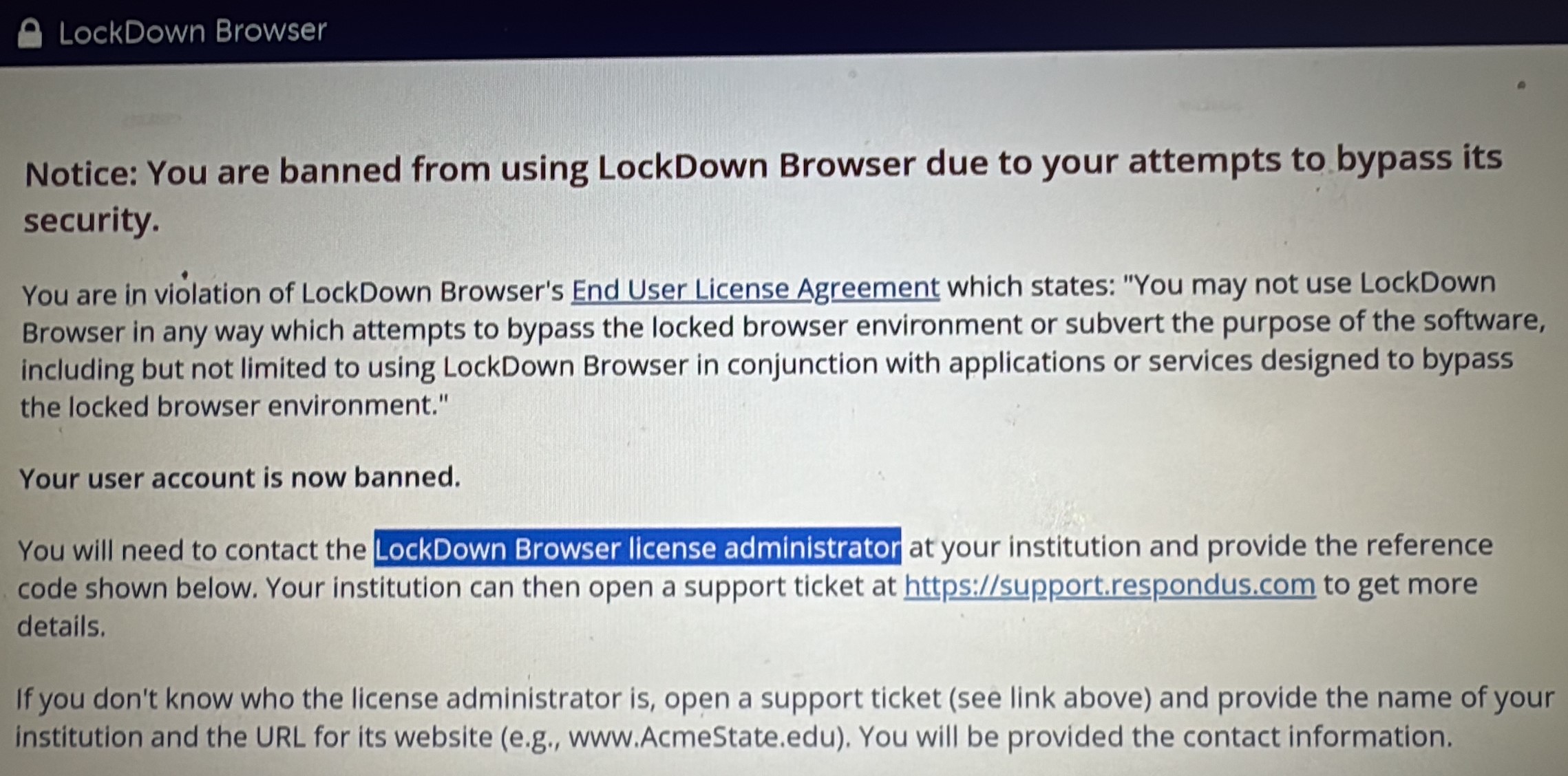
If you see a message like the one in this image while using LockDown Browser, it means you have been banned from using lockdown browser.
Key Points:
- This error message comes from Respondus
- Gwinnett Tech did not ban your account
- Gwinnett Tech cannot remove the ban from your account
- Students with a banned account will be unable to use Lockdown Browser
- You must contact Blackboard support, they will investigate and contact Respondus if appropriate.
Blackboard support | BlackboardSupport@GwinnettTech.edu
Click the link below for more information from Respondus
LockDown Browser and Banned Users
What causes a user to be banned from LockDown Browser?
A ban occurs when LockDown Browser detects the active use of an application or method specifically designed to bypass the security of LockDown Browser. Banning is a “last resort” security measure that targets specific hacking groups that are funded by the sale of their bypass applications or services.
How does a ban work?
A ban restricts a student’s access to an online exam that requires LockDown Browser (in some cases the exam session begins briefly before it terminates). Bans apply to user accounts, not devices. Switching devices will not change the ban status for a user. Removal of a ban requires approval by the institution’s LockDown Browser administrator.
How are bans removed?
A unique reference code appears to a banned user when LockDown Browser is started. This code should be provided to the institution’s LockDown Browser license administrator. Once the investigation by the institution is complete, the license administrator can request a ban to be removed by opening a ticket with Respondus Support.
Contact Respondus Support
Only license administrators for LockDown Browser can have a ban removed. If you do not know the LockDown Browser admin at your school, contact Respondus Support.
Contact Blackboard Support
Students with banned accounts should contact blackboard support
Blackboard support | BlackboardSupport@GwinnettTech.edu
If you need tech support with anything else please let us know.
You can send us a message, give us a call, or come see us in person in the front lobby in building 100 on the Lawrenceville campus.
Thank you
Student IT Help Desk
Stuhelpdesk@gwinnetttech.edu | 678-226-6407
https://gwinnetttech.edu/helpdesk
Frequently asked questions can also be found on our webpage.