Banner will be down for Upgrades - Thursday, July 30th
- UPDATE - July 30th upgrade complete
The July 30th banner upgrade is complete. Banner is, for the most part, back up and running.
Most of the issues have been resolved. Some intermittent issues continue after the upgrade.
Banner services is currently working with TCSG to resolve the remaining issues. They will provide updates as they become available.
Students may attempt to use banner now that the upgrade is complete with the understanding that they may encounter these ongoing errors.
We do not have an update yet on when all issues will be resolved.
We apologize for any inconvenience this may cause and appreciate your understanding while Banner services and the TCSG work to resolve the remaining issues.
Ellucian Experience (Banner) will be down for Upgrades - Thursday, July 30th
Banner will be down for Upgrades - Thursday, July 30th
All services should be restored by Thursday, July 30th
During the Upgrades banner will not be accessible for students, as well as faculty and staff.
The student dashboard, and student email are not affected by this outage.
What does that mean?
During the Upgrades students, as well as faculty and staff, will be unable to access Banner
All services should be restored by Thursday, July 30th
Students should not use banner during year end processing
Students should not attempt to use banner during the Upgrades
Banner will not function correctly during the Upgrades
Students may be able to view some parts of banner while it is under maintenance, but results are unpredictable.
The student dashboard, and student email are not affected by this outage.
.
When will it be back up?
All services should be restored by Thursday, July 30th
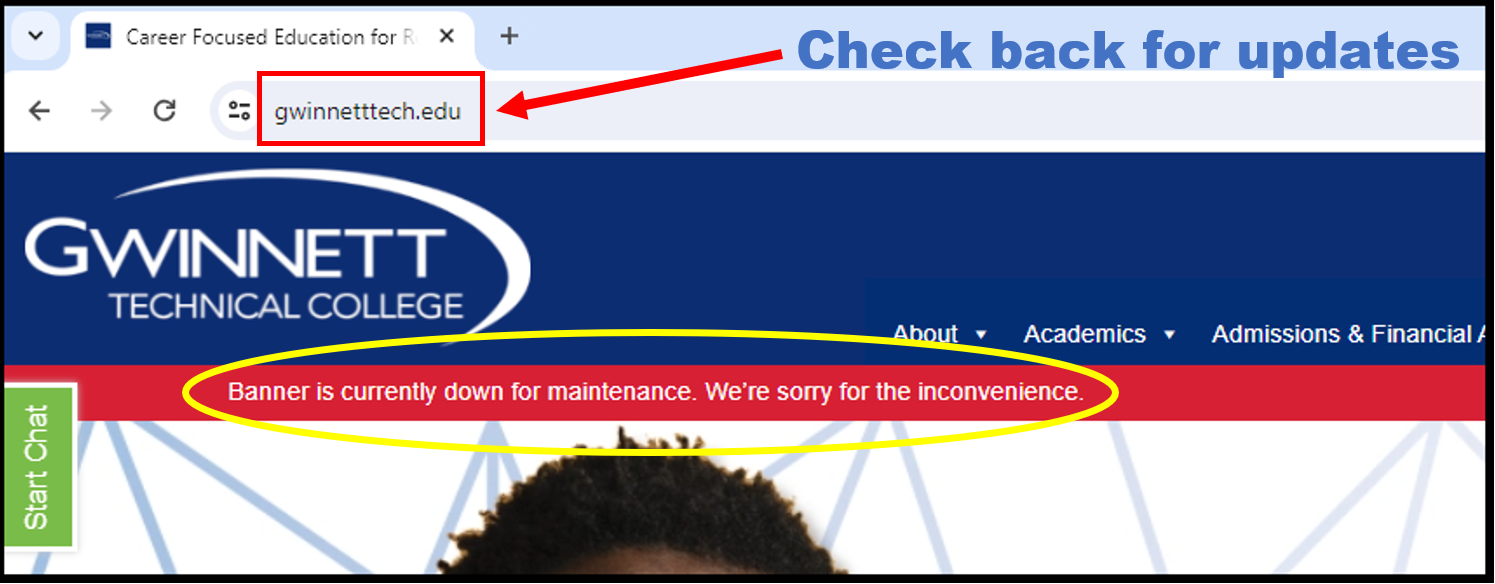
Any changes to that schedule will be posted on the main Gwinnett Tech home page.
.
Can I get a password or MFA reset during the outage?
We must verify ID to make any changes to your account such as a password or MFA reset.
If you know your student email address and your Gwinnett Tech Student ID number, as well as your date of birth, you can contact us by email or phone for a password or Multi-Factor Authentication reset.
Stuhelpdesk@gwinnetttech.edu | 678-226-6407
Check the Application and Acceptance Portal
New students can find their Gwinnett Tech student ID number and student dashboard log in credentials on the Application and Acceptance Portal. https://mygwinnetttech.force.com/apply/
I don't know my Gwinnett Tech Student ID number
Students who do not know their Gwinnett Tech Student ID number can present a government issued picture ID in person at the Tech Support desk on campus to verify ID for a password or Multi-Factor Authentication reset.
Tech Support desk on campus, hours and location
Banner will be inaccessible during this outage for everyone. We will be unable to verify information for password and Multi-Factor Authentication resets for students who do not know their Gwinnett Tech Student ID number by phone or email.
However, if you let us know the information needed for verification we will complete the request when banner is back up.
All services should be restored by Thursday, July 30th by 9am - UPDATE - The banner upgrade is ongoing
I forgot my password, I need a password reset
I need my Multi-Factor Authentication reset, I have a new phone or new phone number
.
Thank you for your patience during this time. We apologize for any inconvenience this may cause.
.
If you need tech support with anything else please let us know.
You can send us a message, give us a call, or come see us in person in the front lobby in building 100 on the Lawrenceville campus.
Tech Support desk on campus, hours and location.
Thank you
Student Tech Support
Stuhelpdesk@gwinnetttech.edu | 678-226-6407
https://gwinnetttech.edu/helpdesk
Frequently asked questions can also be found on our webpage.